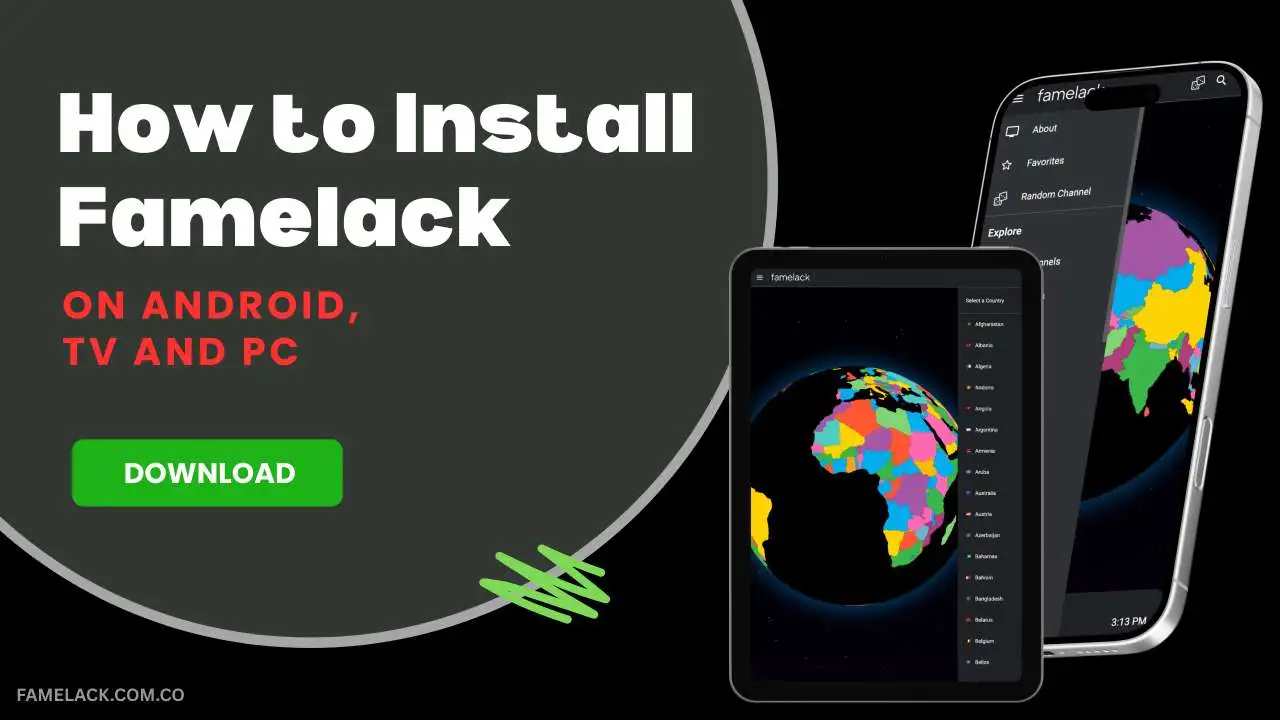
Famelack is an incredibly useful streaming platform that is a must-have for everyone who is interested in watching live TV channels for news, sports, and reality shows. Famelack contains global television channels from 130+ regions around the globe, offering access to thousands of TV channels without a subscription cost. The official app isn’t there on the Google Play Store, but don’t be disheartened because on this webpage, you get to know the most effective solution to install Famelack on Android, PC, Android TV, and Firestick devices for free.
How to Install Famelack on Android?
For Android devices, installing Famelack APK is quite easy. Here is a detailed guide for you to safely install the app.
- Follow this link to go to the downloading page of Famelack official app
- Click on the Download button and get the APK file
- Wait till the downloading is finished, then open the Settings
- Go to the Security section and turn on the Unknown Sources option
- Open the default File Manager and locate the Famelack APK file
- Click on the APK file and tap on Install to simply install this app.
Guide to install Famelack on PC/Windows
PC users can’t directly install the Famelack app, but they can use android emulator to run the Famelack app or go with the web portal that you can use through a browser.
- Launch a web browser and visit “https://famelack.com.co/” and download the Famleack app from the site.
- Open a new tab in the browser and search for BlueStacks, then visit their official website.
- Download the BlueStacks Installer, then double-tap on the downloaded file to install the emulator.
- Launch BlueStacks and go to the app player section.
- Drag and drop the Famelack APK file into BlueStacks to install the app
- Now, you can launch Famelack and access all the TV channels for free.
How to Download and Install Famelack on iOS?
Famelack app is designed to work on Android-based devices, so iOS users won’t be able to install this app, and it can’t be found on the App Stores. However, Famelack is available in a web format that opens the room to easily access its services and TV channels through a browser. Here is the deatiled guide to access Famelack Web Portal on iPhone and also create a shortcut icon for it to access Famelack easily on your iOS device.
- Open the Safari browser on your iPhone and visit Famelack.com.co.
- Click on the ‘Watch Online’ button that shows on the screen.
- Now, tap on the share icon at the bottom of the Safari browser.
- Scroll down and select the ‘Add to Home Screen’ option.
- Edit the app name and icon if needed, then click on the Add button.
- Now, go back to the home screen, and you can find the Famelack icon.
- Click on the app icon to launch the Famelack web portal page in the browser.
How to Install Famelack on Android TV & Firestick?
With Famelack on TV, you can enjoy watching live TV programs and sports matches on the bigger screen for an immersive viewing, so follow the steps below to install this app on an Android TV or FireStick.
- Turn on your TV and open its Settings menu, then go to the Security & Restrictions section.
- Find an option labeled Unknown Sources and make sure it is turned on.
- Launch the official app store on your TV and search for the Downloader app.
- You can find an app named “Downloader by AFTVnews“, so install it.
- Launch the Downloader app and enter this code – “9649410” to start downloading the Famelack APK file.
- Wait till the app is downloaded, then you install but by tapping on the Install button that pops up on the screen
- Once installed, now launch the app, and you’re all set to use it.
Note: On Firestick, you may have to enable developer mode to be able to turn on the Unknown Sources of app installation setting, which is required for the installation of any third-party app like Famelack.
FAQs
Conclusion
Famelack is free from any subscription, but above all, there are no ads to deal with. The platform provides a complete ad-free zone to enjoy and relax. It is a great platform to use anytime to watch a variety of TV channels for news, sports, movies, and more. I hope you find the given information helpful and be able to install the latets version of this app on your compatible device. For any installation-related queries, feel free to comment below or contact our support team.