Famelack is a leading online TV channel streaming platform offering a large number of TV channels from all around the world that you can watch for free. Even though iOS or iPhone users can’t install the Famelack APK file on their device, they can still use this app to watch high-quality TV channels for free, and it’s not clickbait. Go through this article to learn the whole process.
With Famelack, you have complete control over your viewing experience, that let you adjust video quality, and you have various options like 360p to HD resolution (1080p). Watch HD channels with crystal-clear audio and visuals without buffering. While many streaming platforms lock content behind subscription walls, Famelack allows enthusiasts to enjoy TV channels’ content like news, sports, music, movies, and more for free.
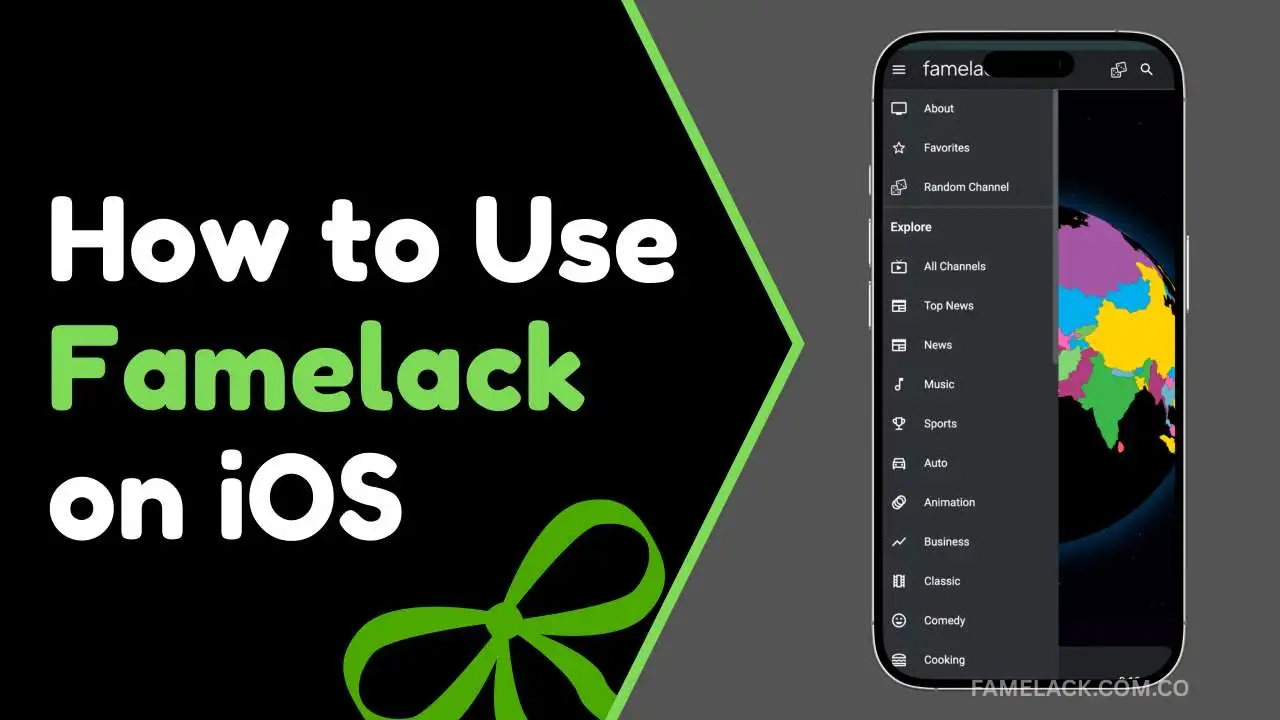
About Famelack For iOS
Famelack is your go-to streaming spot for a treasure trove of top-notch streaming experience for watching live TV channels and programs. With its multi-server capability, you can always have the fastest loading time and crisp video resolution. Choose the desired language to explore relevant TV channels available for you and select your favorite one to start streaming to enjoy watching your beloved film with zero ads.
How to Use Famelack on iOS?
So this is how you can use Famelack on your iPhone. The easy guide given below helps you set up Famelack on any iOS device to enjoy watching live TV channels in high quality without ad interruption.
Setup Famelack
Since the Famelack app isn’t compatible with iOS devices, you have to use the web portal. Follow these easy steps to configure the web portal.
- Open a browser and search for “https://famelack.com.co/“
- Click on the “Watch Online” button
- Tap on the share icon in the browser
- Click on Add to Home Screen and then tap on “Add”.
- Now, you can find the Famelack icon on your iPhone home screen
- Click on the icon to launch the Famelack web portal.
Select Your Region
Once you launch the Famelack on your iOS, you can see a gaint 3D interactive globe that you can rotate with your finger to see all the regions. Here you can rotate to see all sides of earth and explore all countries. Select your region or the country of the TV channel you want to explore.
Explore TV Channels
When you select your country, a list of TV channels appears on the screen that is mixed with all genres, so scroll down to find your desired TV channel. If the list is too long, you can use the built-in search functionality to instantly locate the channel you want to watch.
Start Streaming
Tap on your favorite TV channel when you find it to simply start streaming the channel. Play the video on full screen mode to see all the media player controls. You can adjust playback speed, play, pause, and even adjust subtitle visibility if available.
FAQs
Conclusion
Famelack is a reliable and trustworthy streaming platform for users finding a platform to access sports and news channels for free of cost. It offers a premium experience with its fresh content library, multilingual support, quick loading time with built in search tools. Multilingual support ensures users around the world can enjoy international content from this app. Famelack on iOS can be accessed through its official web portal that provides all the same features as the app, so give it a try and let us know your feedback in the comments.