Do you like watching traditional TV channels for live sports, news and TV programs in high definition? Then most likely you’ve been using Famelack regularly, but the high data consumption might have just used up all your internet limit, leaving you with no data reserves for other works, and problems like this often occur to those who survive on cellular data and travel frequently.
Many people just underestimate the data consumption of streaming platforms, especially live TV channels app as they connect with real-time broadcasts, which require more data and faster internet for stable streaming. You have Famelack on your device, but you are now concerned about using too much cellular data. If you’re wondering how to stream your favorite content without exceeding your limit, this guide provides essential tips for using the Famelack app wisely to save data.
About Famelack
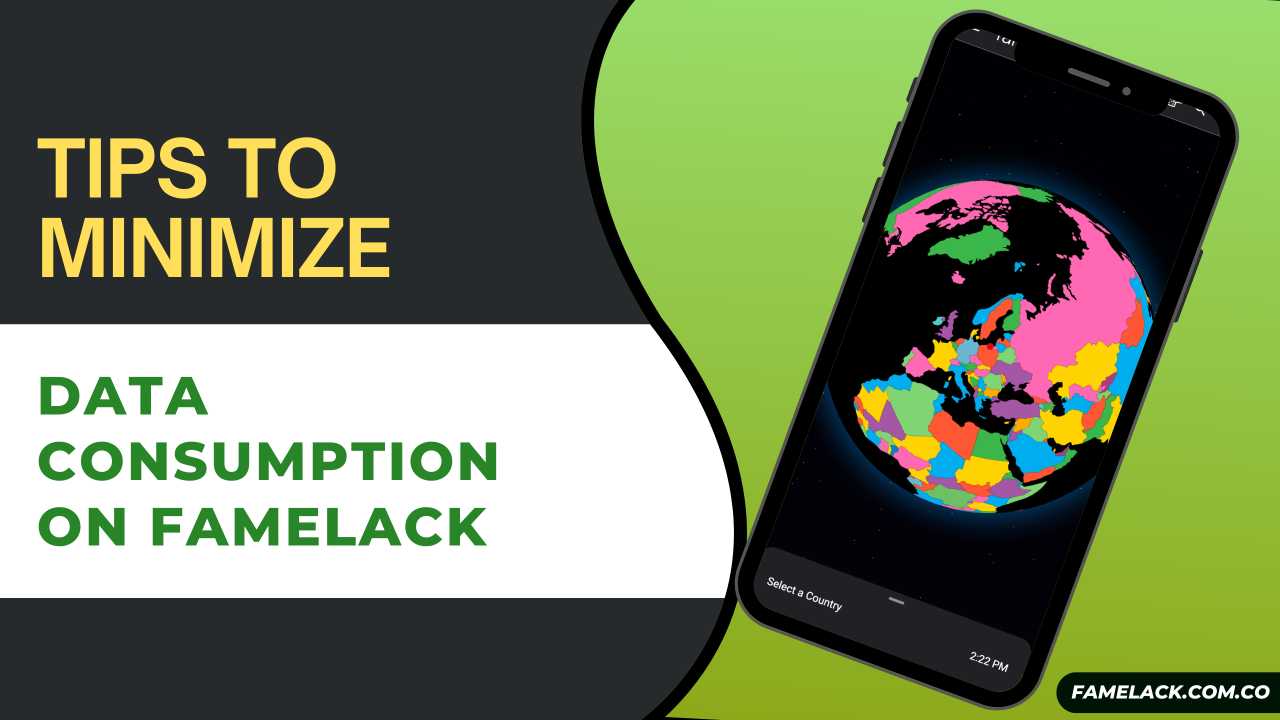
Famelack is a global TV channel streaming platform that accumulates the list of over 1000+ live TV channels from 130+ countries across the planet under one roof, so you can choose your region to locate the TV channels you want to watch and stream in preferred quality without any interruption. You can also use this app to watch foreign media, TV shows, and sports channels for free of cost.
Best Tips to Save Data When Using Famelack
Avoid auto-play features
On Famelack app, auto-play features automatically play new videos or next episodes without your consent while you are browsing, which is why more data is consumed. This way, your data is wasted if you are just browsing through the vast list of TV channels and watching news or sports. To stop unnecessary data waste, avoid using auto-play features. You can easily disable this option from the app settings.
Use Wi-Fi For Streaming
The easiest way to save data while using the Famelack app is by connecting to a stable wifi connection. Since there is no offline playback option, you can’t download videos or TV channels from this app to watch offline. With WiFi, you would be able to stream live TV programs in high quality without compromising your cellular data.
Close Background Apps
Modern apps these days come with sophisticated syntonization that automatically refreshes data for real-time information and perform various activities on the server that constantly takes your cellular data even though you are not using them actively. This adds up and affects mobile data. So, closing background apps also helps in reducing significant data consumption.
Avoid streaming in 4K
The simple match about watching in 4K is that streaming videos in high-quality also results in high data consumption, making your data balance exhausts earlier than you expected. So, if you have a low data balance, we strongly suggest avoiding streaming in 4K resolution. Reduce video quality to 1080p or 720p that also offers crystal clear resolution while saving your 25%-40% data consumption.
Use Data Saver Mode
Data saver mode helps users save data while maximizing streaming on limited data plans. It limits background apps that usually consume data without letting you know, allowing only the app you’re using activity will have access to data. Enable data saver mode to minimize unnecessary data use.
Avoid Using the Old Version of Tmovie
The old version of the Tmovie app has frequent buffering issues while playing videos, which consumes more data. Whereas, the latest version of the app is highly optimised and works flawlessly even if the internet speed is a bit slow, so to stop unnecessary data consumption, make sure you have the updated Famelack app installed on your device. If you’re using its old version, simply download the latest one from Famelack.com.co (Official site).
Conclusions
No questions asked Tmovie is an amazing app to watch newly relesed films and shows but people with limited data plans always suffer while watching videos online as it wipe up their daily data limit before viewrs finish a movie and if you’re dealing with the similar situation, mentioned above are some of the great and highly effective tips to minimize your data consumption by upto 30%. However, make sure you apply all the methods as said above carefully so that you don’t have to make any compromises and would be able to enjoy watching videos while saving data for later use.